An organized office is one where the next person can find the right document, the right tool and a comfortable place to work. That is a stronger test than whether the desk looks empty.
Start with the retrieval problem
Walk through three ordinary tasks: prepare a meeting, answer a customer question and hand a project to a colleague. For each, note the information or object you need, where you expect it to be and where it actually lives. A missing answer often points to an ownership problem rather than a storage problem.
Choose one repeated friction: a supply everyone searches for, a document with several “final” copies, or a shared table no one trusts. Write a simple baseline: “Two of three people could find the approved brief without asking.” Repeat the same test after you reorganize. Do not claim time savings from an unmeasured tidy-up.
Put the physical workspace to work
The US EPA's 5S guide describes five steps: sort, set in order, shine, standardize and sustain. For office work, that means removing unused materials, placing the remaining tools close to the task, labeling shared storage and setting a short review rhythm. Keep a clearly marked place for items awaiting a decision; a hidden pile is still a queue.
Organization does not replace an ergonomic assessment. The UK Health and Safety Executive advises looking at the equipment, furniture, work conditions, task and individual needs when assessing a display-screen workstation. Ask the person using the desk whether the screen, input devices and reach actually work for them. Do not prescribe one setup for everyone.

Make digital files predictable
Pick a single authoritative location for each active project. Use a short pattern such as 2026-09-24_project_topic_status when dates and status help people distinguish documents. Agree on the allowed statuses; “final2-really-final” is a symptom of missing version control. Document who may edit the source, who approves a version and when old drafts can be archived.
The US National Archives recommends consistent, meaningful names whose components stay in the same positions. Its records guidance is written for government agencies; the transferable idea is consistency, not a universal rule about what your company must retain. Follow your own legal retention and access rules before deleting anything.
Search is a useful fallback, but do a retrieval test without knowing the exact filename. If a new teammate cannot locate the approved document from the project page or folder, revise the structure. Add a short “start here” note before inventing deeper folder trees.
Keep the system light enough to maintain
- One owner: name a person or team responsible for the shared location.
- One home: link the current version from the project page rather than copying it into several channels.
- One review: spend ten minutes each month archiving stale shortcuts and updating labels.
- One test: ask a colleague to retrieve a current item and explain where they looked first.
A small office needs fewer rules than a regulated records team. The goal is a reliable path from question to answer, with appropriate access and retention. For related process work, use our workflow audit and handoff guide.
From scattered paper to a findable handoff
This original diagram shows a method you can try with a dummy project note. It is an illustration, not a photograph of a former client or evidence of a measured result.
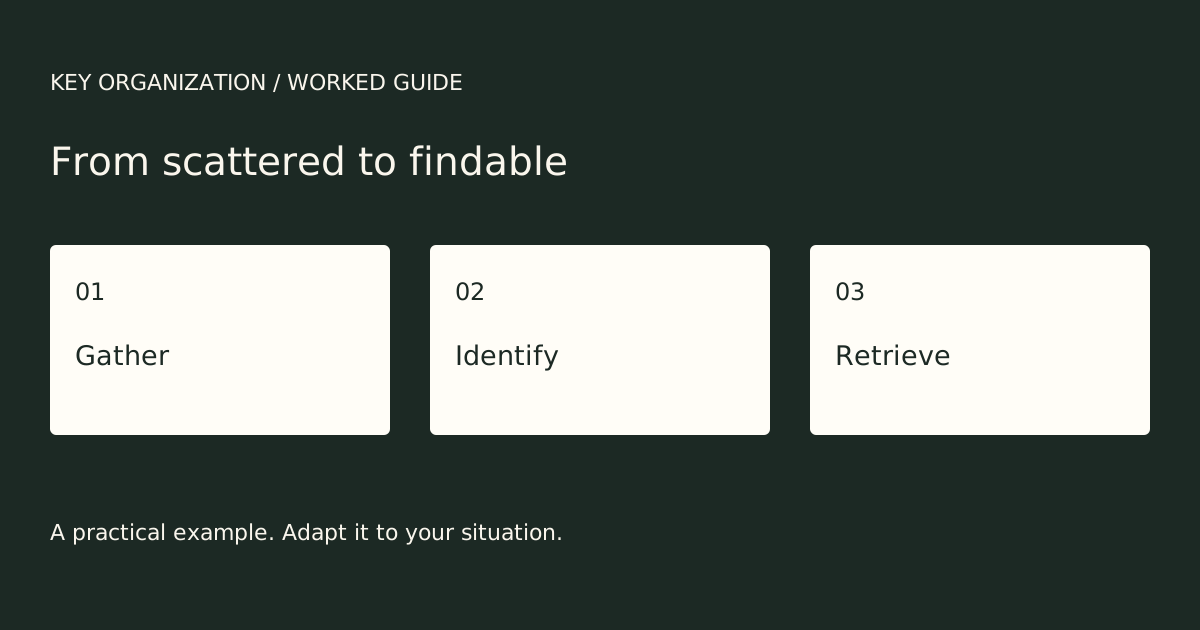
- Gather: give incoming material one agreed temporary location. Keep the current project note separate from unrelated scraps.
- Identify: label the note so an authorized colleague can distinguish it from a draft, and write the next action.
- Retrieve: ask that colleague to find the current note using your ordinary handoff. Record an unclear label or missing permission before adding more containers.
For example, if two documents are both called “latest”, the next change is a clear current-version link and an explicit action. Buying another drawer or application does not by itself test that handoff. This is a hypothetical example, not a customer story.
The earlier photo gallery included an office-relocation entry in a 1 August 2003 archive capture. Its old testimonial is not used as a current endorsement. Historical photo references are preserved in the dated source; the image files have not been recovered for this edition. The current guide uses the original diagram above.
Use a short tool-selection trial before adopting another filing product.