The old Key Organization Systems site noticed a familiar failure: a business becomes fragile when only one person can explain its routines. That question still matters. The answer here is a concise, testable page a colleague can actually follow, not a shelf of procedures nobody opens.
Choose a process with a real trigger
Start with one recurring event: a new customer request, a returned invoice, a colleague's absence or a weekly report. Name the event that starts the work and the result that proves it is finished. 'Handle enquiries' is vague; 'reply to a new enquiry or assign it to an owner before the next working day' can be observed.
Ask the person who performs the task to demonstrate it once. Record the handoffs and decisions that appear in the demonstration, including the point at which they ask for help. If the process changes every week, write the current rule and the date when it will be reviewed rather than pretending it is permanent.
- Write the trigger and the finished state in plain language.
- Name one owner and a named substitute role.
- Link only the forms or systems the reader needs.
Document the fork, not every click
A useful one-page manual has a short normal path and a small set of exceptions. Explain what the operator can decide alone, what needs approval and what should be stopped. Screenshots of every button become obsolete; decision rules survive interface changes better.
Test the draft by asking a colleague who did not write it to work through a fictional case. Where they have to guess, the manual needs a clearer input, example or escalation route. Where they are forced to read irrelevant detail, shorten it. The goal is enough guidance to act safely without turning judgment into a script.
- Use numbered actions for the normal path.
- Add one line for each common exception.
- State where to record the decision and outcome.
Make ownership and review visible
Put the owner's role, last meaningful review and next review date at the top or bottom. A process page without maintenance becomes a confident description of a former reality. Review it after a failed handoff, a changed tool or a recurring question, not only on an arbitrary annual date.
Treat a mistake as information about the system. Ask whether the trigger was unclear, the authority was missing or the exception was absent. Change the page and tell the affected people what changed. A small document that improves after use is more valuable than a perfect-looking manual left untouched.
- Keep version notes to one sentence per change.
- Give the substitute the same access before it is needed.
- Retire steps that no longer describe the real work.
The one-page process card
Use this card for one routine. If it spills into many pages, split the routine at a decision or handoff.
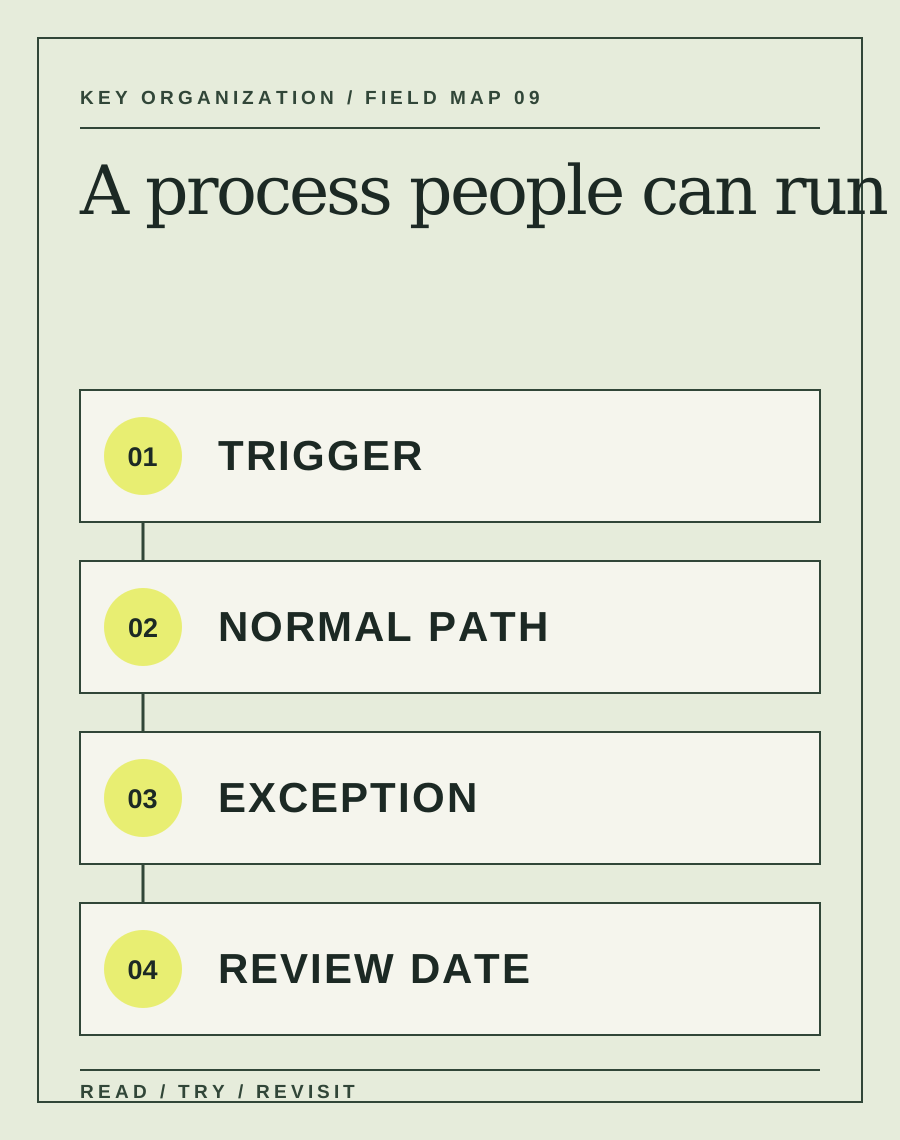
- Trigger
What observable event starts the work, and what information must be present?
- Path
List the smallest sequence that reaches a clear finished state.
- Exception
Name the two most likely forks and who can decide each one.
- Review
Record the owner, substitute, last change and next check date.
Fictional example: when a customer reports a duplicate charge, the support lead records the transaction ID, checks whether two settled payments exist, and either explains the pending authorization or sends the case to billing. The manual specifies that support cannot promise a refund until billing confirms it. The next review is after five real cases or one month, whichever comes first.
Do not put passwords, personal data or private customer examples in a public process card. Keep sensitive operating details in an access-controlled system.
Sources and context.
Archive captures show the older question, not a current endorsement or an article to reproduce. The other links provide research or platform context; check dates and local requirements before applying them.